
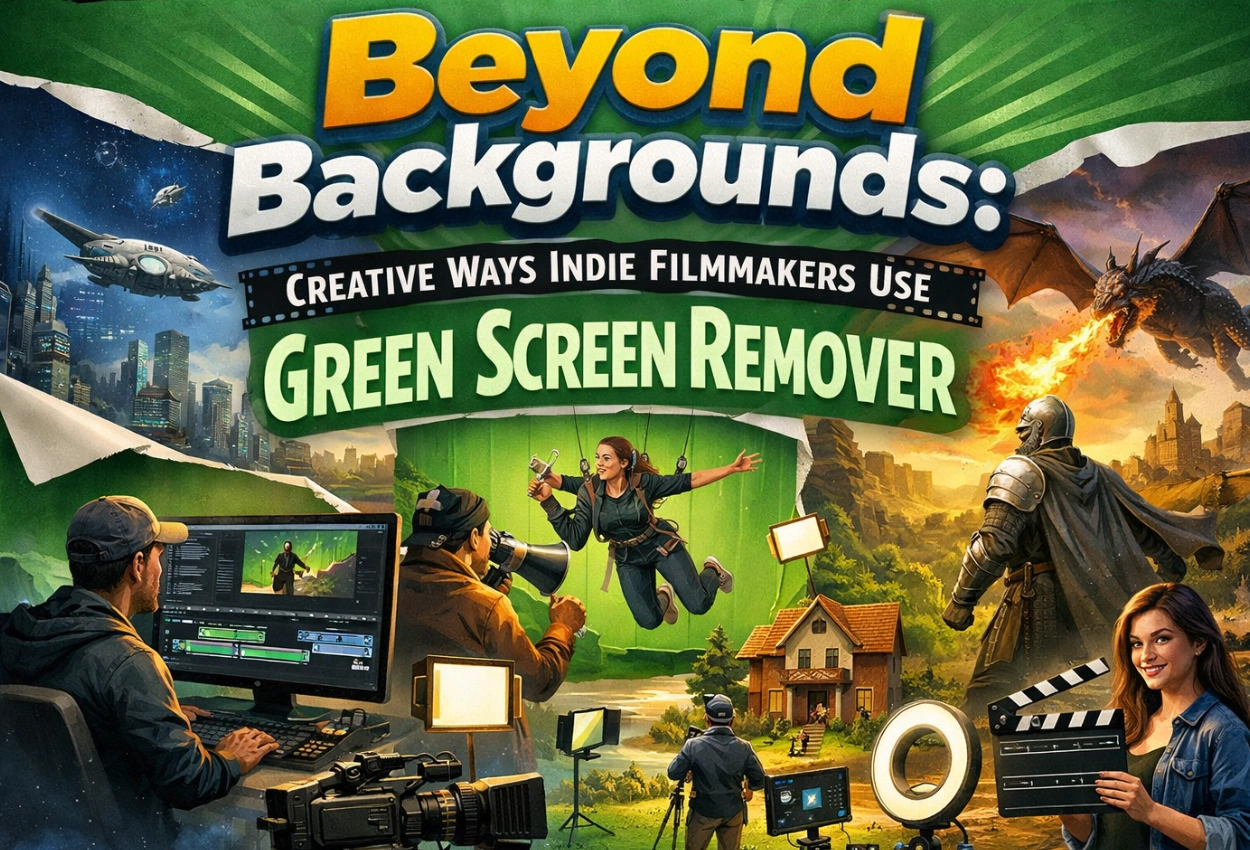
Beyond Backgrounds: Creative Ways Indie Filmmakers Use Green Screen Remover
For independent filmmakers working with tight budgets, green screen is a visual experiment lab. It is a lab where they can experiment with their imaginary world and innovative ideas. Most filmmakers use a Green Screen Remover to swap a background, which is not the real motive of this advanced technology. The real power of green screen allows you to bend physics, split realities, layer emotions, and expand production value far beyond your budget when used creatively. Independent filmmakers can use the Motion Effects green-screen remover technique in many creative ways for their dream projects.
Creative Ways to Use the Green Screen Remover Technique
One Actor, Two Timelines
Independent filmmakers can employ green screen to produce “dual existence” shots, in which a character interacts with different versions of themselves, rather than simply relocating a subject.
Multiple performances can be layered into a single frame once the green screen has been removed from the video. The two characters appear to be physically present together thanks to accurate masking and depth layering. This method works well for internal conflict narratives, time-loop movies, and psychological dramas. And aside from planning, it’s practically free.
Use Background as Character
Instead of changing location, change emotional atmosphere. Imagine a breakup scene where the background slowly desaturates, a panic attack where walls subtly pulse, or a hopeful moment where light leaks in behind the character. You can create reactive environments that change as the performance does by using a green screen background editor.
As a result, green screen becomes an emotive storytelling tool rather than just a location tool.
Create Impossible Camera Moves on a Micro Budget
Do you want a dreamy, drifting, floating camera move, but lack a dolly or crane? You can digitally replicate camera movement while filming on a green screen.
You can create layered environments that react to a digital camera after using a professional green screen remover. This produces cinematic scale without the need for costly rigs. This is a massive production value hack for indie filmmakers.
Partial Reality Replacement
This method is common in science fiction and fantasy movies to keep costs down. Replace only portions of reality rather than the entire background. A professional green screen background editor ensures that reflections, shadows, and color temperature are perfectly blended to make the visual realistic.
You can create a window to reveal an impossible world, use mirrors to show alternate dimensions, or create sky transitions from normal to surreal mid-scene.
Depth Illusion in Small Spaces
A lot of independent movies are filmed in small studios or apartments. Without actually enlarging these areas, green screen can give the impression that they are larger.
You can create depth beyond windows, widen hallways, and raise ceilings after removing the green screen from the video. This method subtly gives depth to your movie without the audience noticing.
For Stylized Lighting Control
This is rarely discussed. In post-production, lighting can be digitally redesigned when shooting on a green screen.
Editors can replicate motivated light sources that weren’t present during filming by carefully isolating subjects. This means that independent filmmakers can make dramatic lighting setups or correct lighting errors after the shoot.
Time Manipulation Within One Shot
As the character moves, the background can be frozen, or the actor moves forward while the background is reversed.
Time itself becomes a narrative tool when a Green Screen Remover is used correctly. This will work powerfully in music videos, experimental shorts, and thriller sequences.
Why These Techniques Matter
Green can be eliminated by anyone using software. However, experts comprehend:
- Spill suppression for removing green reflection on skin.
- Edge refinement for hair detail preservation.
- Shadow recreation.
- Grain matching.
- Color space consistency.
They give independent movies a studio-caliber appearance. A skilled green screen background editor reconstructs the world around the subject rather than simply removing it.
The Real Opportunity for Indie Filmmakers
Pretending to be somewhere else is no longer the goal of green screen. For independent filmmakers, this translates into bigger worlds, deeper symbolism, more ambitious visuals, and higher perceived production value to complete the film. The Motion Effects’ Green Screen Remover becomes a storytelling amplifier. Additionally, amplification is important in independent filmmaking. You’re not merely repairing footage when you remove green screen from video with purpose and technical accuracy. You’re designing a cinema.
FAQs
1. How can indie filmmakers use a Green Screen Remover creatively?
Indie filmmakers can use it for:
- Digital lighting control,
- Split-screen storytelling,
- Environment manipulation,
- Surreal visual effects.
2. How to remove green screen from a video without losing detail?
You should ensure that the lighting is consistent during the shooting. In addition,
- Use spill suppression,
- Edge refinement,
- High-resolution footage for clean compositing.
3. Can a green screen background editor fix low-budget production problems?
Yes. Without costly reshoots, a skilled green screen background editor can expand sets, replace missing backgrounds, fix lighting inconsistencies, and improve production value.
4. What techniques make green screen footage look realistic?
- Chroma key accuracy.
- Rotoscoping for intricate edges.
- Shadow recreation.
- Motion tracking.
- Color matching.
- Grain consistency.
5. Is green screen suitable for indie psychological or experimental films?
Absolutely. Filmmakers can enhance psychological and experimental storytelling by using green screen to visualize emotions, manipulate time, distort environments, and produce symbolic visuals.